Efficient Duplicate File Management Tool
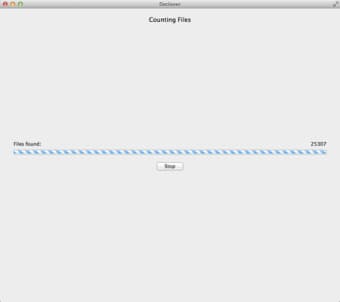
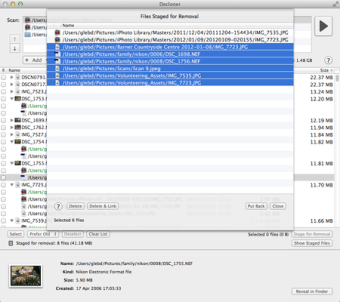
Decloner is a trial version utility designed for Mac users, aimed at simplifying the process of identifying and removing duplicate files. This software allows users to scan their system for redundant files, helping to free up valuable disk space and improve overall system performance. Its intuitive interface makes it accessible for both novice and experienced users alike, ensuring a smooth experience when managing files.
Top Recommended Alternative

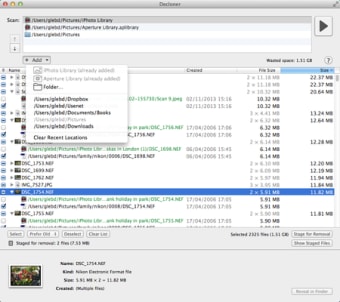
The program offers a variety of features including customizable scanning options, allowing users to specify file types and locations for thorough searches. Once duplicates are identified, Decloner provides users with clear options for removal, making the cleanup process efficient and straightforward. Overall, Decloner is a valuable tool for anyone looking to optimize their Mac's storage capabilities.